> For the complete documentation index, see [llms.txt](https://docs.sqr.co/llms.txt). Markdown versions of documentation pages are available by appending `.md` to page URLs; this page is available as [Markdown](https://docs.sqr.co/dashboard/dynamic-short-links/dynamic-short-link-analytics.md).
# Dynamic short link Analytics
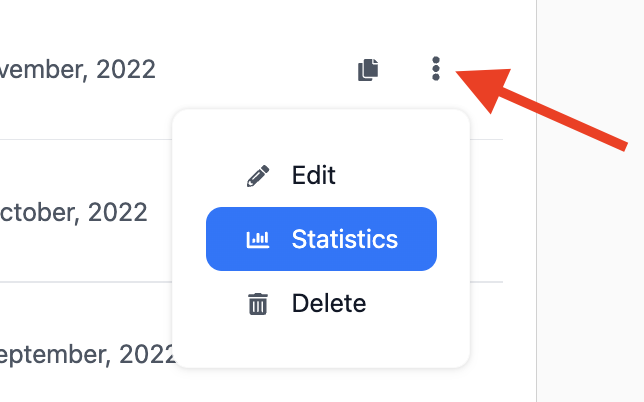
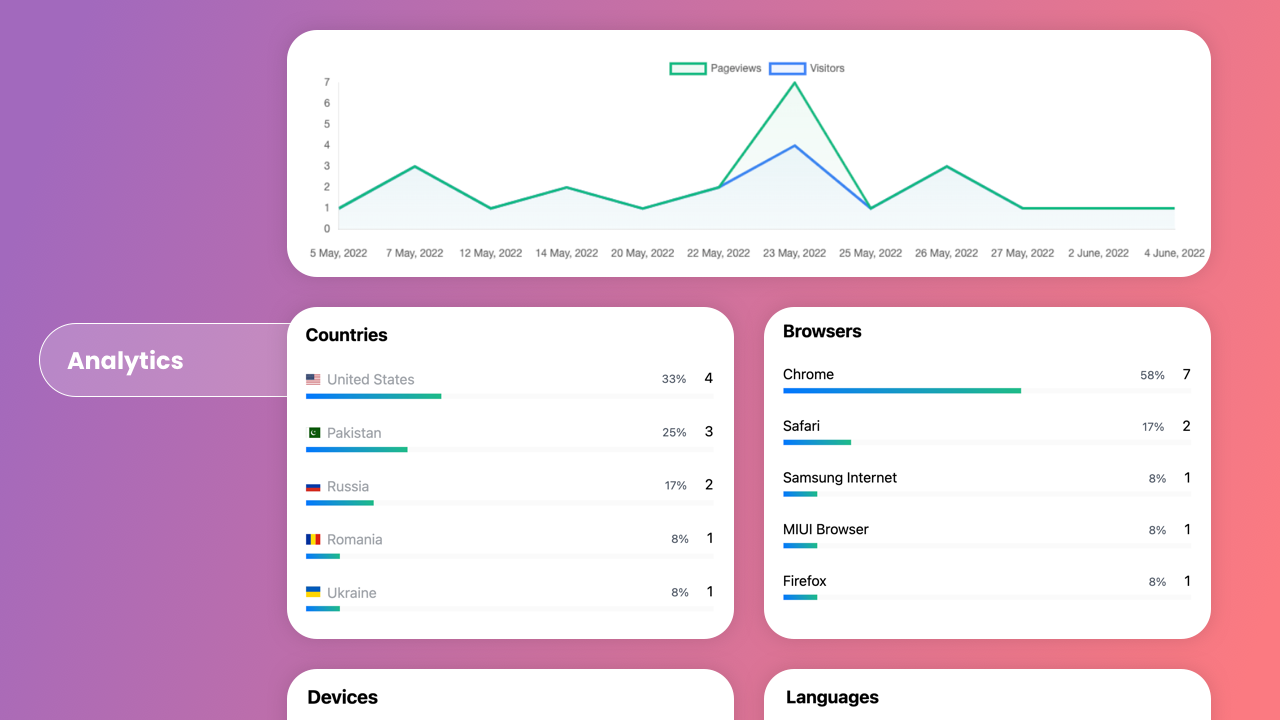
To see a detailed overview of your analytics for your QR code and or Short link, you can go to the overview of your [dynamic short links here](https://sqr.co/links). In the row of the short link, if you want to see the analytics you can click on the icon under the label "Stats" or click on the three vertical dot icons to open your analytics dashboard for that short link. To collect analytics for a QR code you will need to [connect a dynamic short link to your URL QR code](/dashboard/dynamic-short-links/connect-a-dynamic-short-link-to-your-qr-codes.md).